Make the Admin Panel Yours: Language and Display Mode
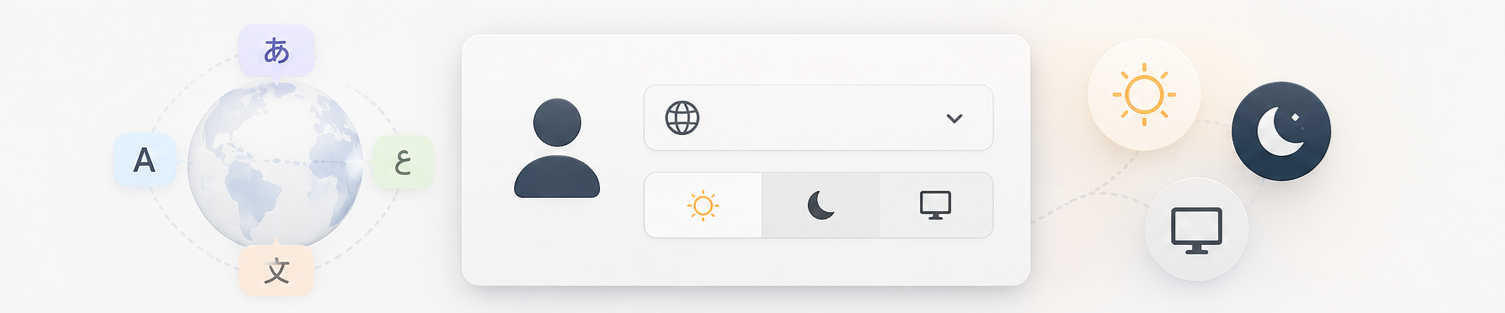
The admin panel you're looking at right now speaks 31 languages and comes in light and dark. Setting it up takes about twenty seconds. Here's how.
Change the language
- Click My Profile in the sidebar.
- Find the 🌍 Admin Language dropdown.
- Pick your language: anything from Spanish to Japanese to Arabic.
- Hit save, and the whole admin panel switches instantly. This only changes your admin panel. Your website visitors see whatever language you write your content in, so every author on your team can work in the language they think in.
Light, dark, or automatic
Right below the language setting you'll find 🎨 Admin Theme:
- ☀️ Light: classic and crisp
- 🌙 Dark: easy on the eyes for late-night writing
- 💻 System: follows your device, dark at night and light by day
Frequently Asked Questions
Will this change how my website looks?
No. These settings only affect the admin panel, which is your personal workspace. Your public site's look is controlled separately, on the Themes page.
Can every team member have their own settings?
Yes. Language and display mode are personal. Your co-author can work in dark-mode German while you write in light-mode Spanish.
What about right now, in this demo?
Go ahead and try it! In the demo, your choices apply only to your own browser session, so switch to any language you're curious about. Other visitors exploring the demo at the same time won't even notice.