Explore the Demo: Every Screen Is Open to You
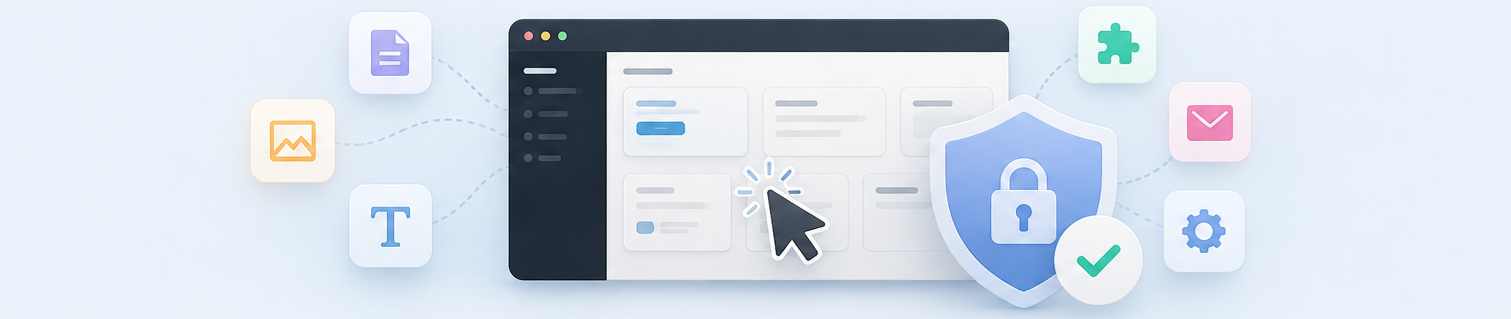
This is a live, fully working AliothPress installation, and it's yours to explore. The sign-in page for the AliothPress demo admin panel already has the login details filled in. Just press Login and look around.
What you can see
Everything. The demo account shows you the complete admin panel, exactly as a site owner sees it:
- Posts & Pages: open the editor, see how writing and formatting feels
- Page Builder: browse the drag-and-drop blocks used to build landing pages
- Themes: try all 15 looks on the live site (your picks are visible only to you)
- Plugins: see installed plugins and their settings pages
- Forms, Newsletter, Users, Settings: every screen is open for viewing
What the demo won't do
The demo is read-only: buttons that would save, publish, upload or send are switched off. If you press one anyway, nothing bad happens. You'll simply see a friendly note that changes aren't saved in the demo. So feel free to type in the editor, toggle options, open every menu. The public site stays untouched, and the next visitor finds everything just as you did.
Three things do respond to you, because they're personal: the admin language, the display mode, and the site theme. Each applies only to your own browser session. Think of it as a safe little sandbox inside the sandbox.
Like what you see?
Everything you're exploring here works exactly the same on a real installation: the editor, the builder, the themes, the plugin system. The only difference is that your changes actually save. When you're ready for the real thing, you're only one install away.